🔐 1. Content Security and DRM EnforcementChallenge: Preventing unauthorized access, downloads, or screen capturing of educational content.Solutions:
- Implement dynamic watermarking (e.g., user phone number/email over videos).
- Use encrypted streaming (e.g., HLS with AES-128 encryption).
- Integrate strict Digital Rights Management (DRM) like Widevine or FairPlay.
- Disable right-click, print-screen detection scripts, and use secure iFrames for rendering sensitive content.
📶 2. Handling Simultaneous Access to Multiple Product Types
Challenge: Users accessing videos, exams, and books simultaneously can strain server resources and cause UI/UX inconsistency.
Solutions:
- Use a microservices architecture to separate concerns (e.g., media, exams, analytics).
- Employ load balancing and CDN (Content Delivery Network) for high-demand media content.
- Cache non-sensitive data at edge servers to reduce server hits.
👥 3. Preventing Concurrent Sessions on Shared Accounts
Challenge: Users may share login credentials, affecting licensing and analytics accuracy.
Solutions:
- Limit active sessions per user account using token-based session tracking.
- Invalidate existing sessions upon new login or after inactivity timeout.
- Monitor IP address/location changes and flag suspicious behavior.
📊 4. Accurate Analytics Without Compromising Privacy
Challenge: Collecting user interaction data (exam performance, time spent, video views) while respecting data protection laws (e.g., GDPR, HIPAA).
Solutions:
- Use anonymized or pseudonymized user IDs in analytics databases.
- Provide transparent consent forms and privacy settings for users.
- Store sensitive data in compliance with regional data protection standards.
🎥 5. Real-Time Video + Data Tracking Integration
Challenge: Syncing video playback with user-specific actions (e.g., pausing, rewinding) and logging them accurately.
Solutions:
- Embed custom video players (e.g., using Video.js) with tracking hooks for play, pause, seek events.
- Send events to a backend in real time or batch using WebSockets or event queues (e.g., RabbitMQ).
- Store event data in time-series databases or structured logs for efficient querying.
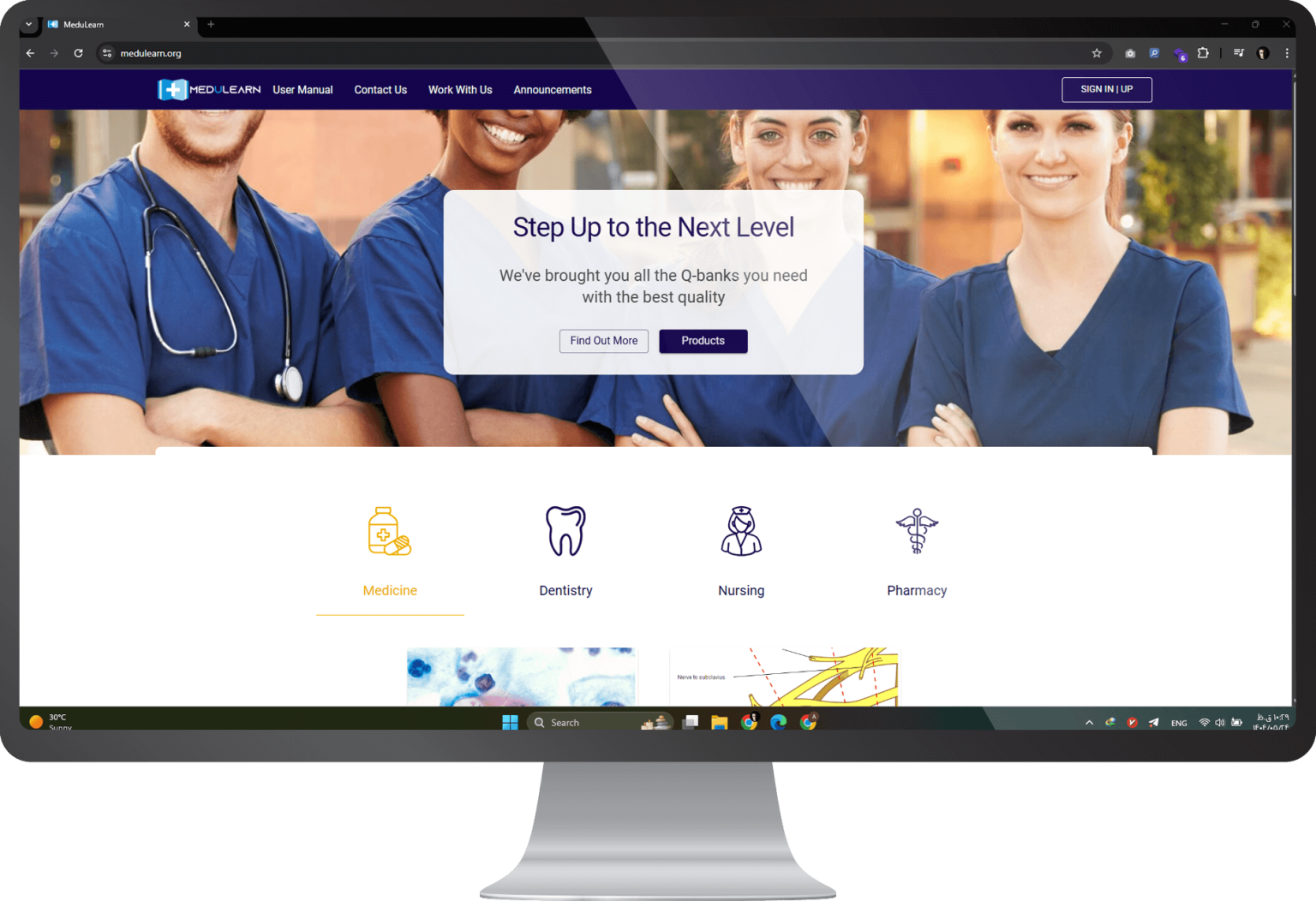
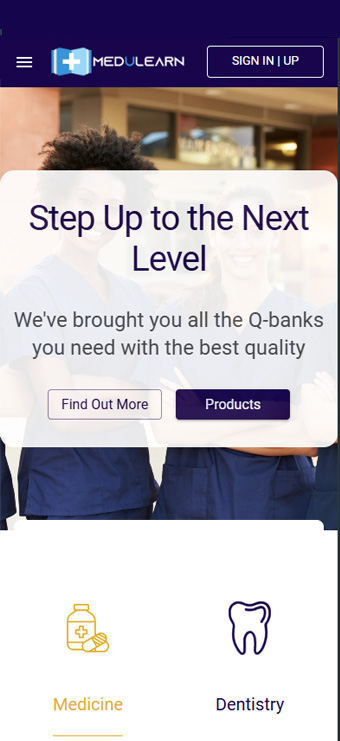
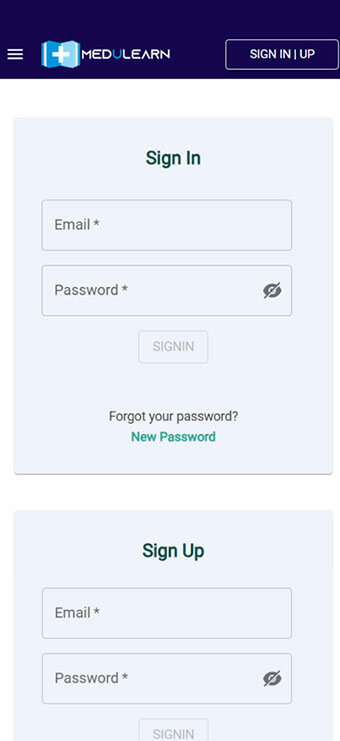
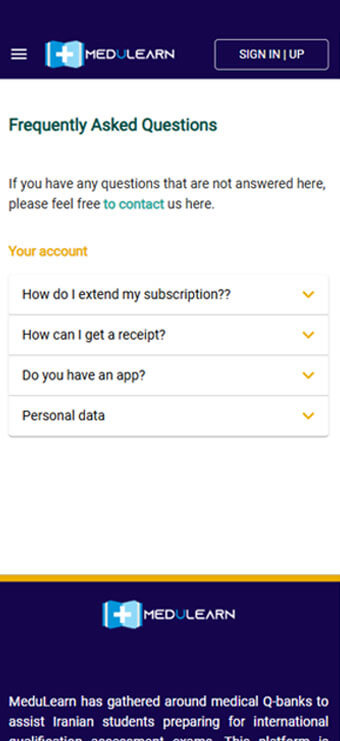
🌐 6. Cross-Platform Compatibility
Challenge: Ensuring the platform works seamlessly on desktops, tablets, and mobile devices.
Solutions:
- Use responsive design frameworks (e.g., Bootstrap, Tailwind).
- Test with a wide range of devices and browsers using tools like BrowserStack.
- Optimize for touch, mobile bandwidth, and offline access where possible.
⚙️ 7. Performance and Scalability
Challenge: Scaling the application as the user base and content size grow.
Solutions:
-
- Use auto-scaling infrastructure (e.g., AWS ECS/EKS or Azure App Services).
- Implement database indexing, query optimization, and caching layers (e.g., Redis).
- Monitor performance with tools like Prometheus + Grafana or New Relic.